You can download video models and run them yourself. The harder questions are whether they fit your computer, which files you need, and what their licenses let you do.
We’ll look at three documented routes—Wan2.2 TI2V-5B, CogVideoX-2B, and Mochi 1—and show what to check before a large download.
First, separate the app from the model
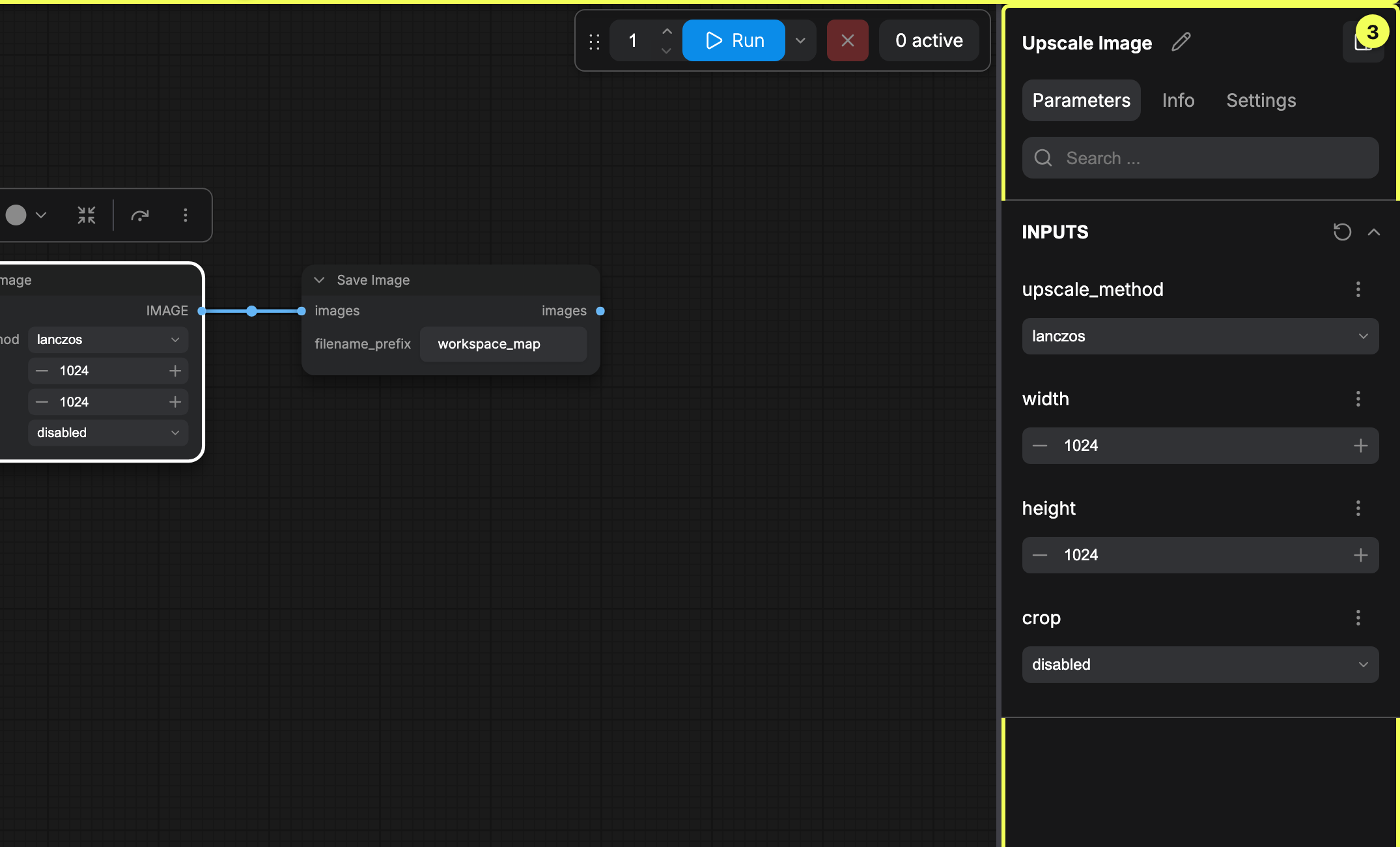
ComfyUI is a workspace for connecting models and processing steps. Installing it doesn’t mean you’ve installed a video model.
 Open full size ↗
ComfyUI controls, cropped to exclude the sample artwork. The selected node is an image-upscaling example; video needs a video-model workflow.
Screenshot: Comfy Org documentation contributors. Official guide · GPL-3.0 · UI-only crop · Retrieved 2026-11-02.
Ask three questions: can you get the code, can you get the trained weights, and where will they run? A free interface may call a paid service. A downloadable model may have different terms from the code around it.
“Open weights” also doesn’t necessarily mean the training data and entire training process are published. Look at the actual files and licenses.
OpenFilm’s FAQ separates free local making, editing, and rendering from external media services billed through your own plans and keys. Its repository identifies the format, CLI, Studio, and desktop app as MIT-licensed. It’s an editing/agent layer, not a free neural video model for every asset.
What Is Actually Free?
A free application does not automatically supply free model inference.
- 01ApplicationCode
The UI, editor, or agent has its own license.
- 02GeneratorWeights
Identify the exact downloadable model and terms.
- 03ExecutionCompute
Your machine or a separately billed provider runs it.
- 04Production assetsRights
References, voices, music, and branding need their own basis.
Method note. Check the app, weights, compute, and assets separately. A free app may use a paid service.
Based on the linked official guides, checked .
Pick a route your computer can handle
This is a short list of documented options, not a picture-quality ranking.
| Route | What it does | Read the hardware claim carefully |
|---|---|---|
| Wan2.2 TI2V-5B | Text and image inputs; 720-class video | The official single-GPU example specifies at least 24GB with named memory-saving flags |
| CogVideoX-2B | Text-to-video; 720 × 480 in its model card | Optimized Diffusers FP16 is listed from 4GB, with configuration and test-hardware caveats |
| Mochi 1 preview | Text-to-video; initial release described at 480p | Different implementations have very different memory figures |
Wan2.2: keep the model name and flags together
The Wan2.2 repository documents a TI2V-5B example using --offload_model True, --convert_model_dtype, and --t5_cpu with a 24GB-or-more GPU. Its 720-class landscape setting is 1280 × 704. Don’t apply those conditions to the larger A14B variants.
Offloading helps reduce GPU memory use by moving some work or data elsewhere. It doesn’t make system RAM, storage, or waiting time disappear. Read the whole configuration, not just the smallest number in a comparison table.
The official ComfyUI video below shows another implementation. Follow its matching workflow rather than mixing its settings with a different repository’s command.
- The official ComfyUI tutorial shows its Wan2.2 workflow.
- Use it to follow the interface; hardware needs still depend on the selected model and settings.
Watch on YouTube ↗ · Official walkthrough. Loads after your click and starts muted. YouTube’s privacy rules then apply. Use the player controls to turn on sound.
CogVideoX: the low-memory figure has conditions
The CogVideoX-2B card lists optimized Diffusers FP16 from 4GB. The repository’s notes tie low-memory values to enabled optimizations and an A100/H100 testing scope. That isn’t a promise that any four-gigabyte consumer card will run comfortably. The 5B model also has a different license statement from 2B.
Mochi: choose an implementation before quoting its memory needs
The Mochi model card lists 42GB for one Diffusers example, 22GB for a lower-precision variant, and approximately 60GB for the original single-GPU implementation. They describe different setups, not one universal minimum.
Mochi Memory Needs Depend on the Setup
Separate official documented configurations; no comparative performance bars.
- Model-card Diffusers example42GB
As described for that example in the official card.
- Read the entire example configuration
- Not a universal memory minimum
- Not a NexAtlas measurement
- Lower-precision card variant22GB
A separate example with different precision settings.
- Keep its offload / decoding context
- Do not substitute another workflow
- Not a consumer-GPU compatibility promise
- Original single-GPU implementation~60GB
Approximate requirement in the hardware section.
- A different implementation path
- Community integrations have other conditions
- No speed or output-quality ranking
Method note. Published Mochi model-card figures, checked November 2, 2026. These setups use different implementations or settings; the numbers are not local measurements or universal minimums.
Based on the linked official guides, checked .
Write down your GPU, VRAM, system RAM, free storage, operating system, and intended task. Then compare a complete documented setup. A text-only model won’t become an image-input model because the family name looks familiar.
Check the licenses before using client material
The Wan repository, TI2V-5B card, and linked Apache 2.0 license support that route’s license description. Apache 2.0 allows commercial use under its terms; it doesn’t clear your music, faces, trademarks, or every added dependency.
The selected CogVideoX-2B and Mochi cards also identify Apache 2.0. Check the exact checkpoint rather than carrying a license from one family member to another.
NVIDIA’s controlled-video overview gives a useful warning: its named FLUX.1 image stage is non-commercial unless separately licensed. That condition belongs to the component in that workflow, not every model with FLUX in its name.
Check Every Step’s License
A permissive video-model license does not resolve an upstream image-stage restriction.
- 01Reference / still stageCheck
Input rights and the exact image-model license.
- 02Video stageCheck
Checkpoint, code, encoders, adapters, and intended use.
- 03Finishing stageCheck
Editor, upscaler, voices, music, and delivery assets.
Method note. NVIDIA’s FLUX.1 warning applies to its named workflow. Check the exact components you use.
Based on the linked official guides, checked .
Keep a short list of the video weights, inference code, encoders, adapters, image stage, audio, and source assets. Save a license link and version for each. Resolve unclear permissions before treating the whole project as cleared for client use.
Install one working example first
- Follow the current official repository in a separate environment.
- Download the exact model components it names.
- Run its baseline example before adding a large community workflow.
- Save the working versions, command or graph, input, settings, and output.
- Change one optimization at a time.
 Open full size ↗
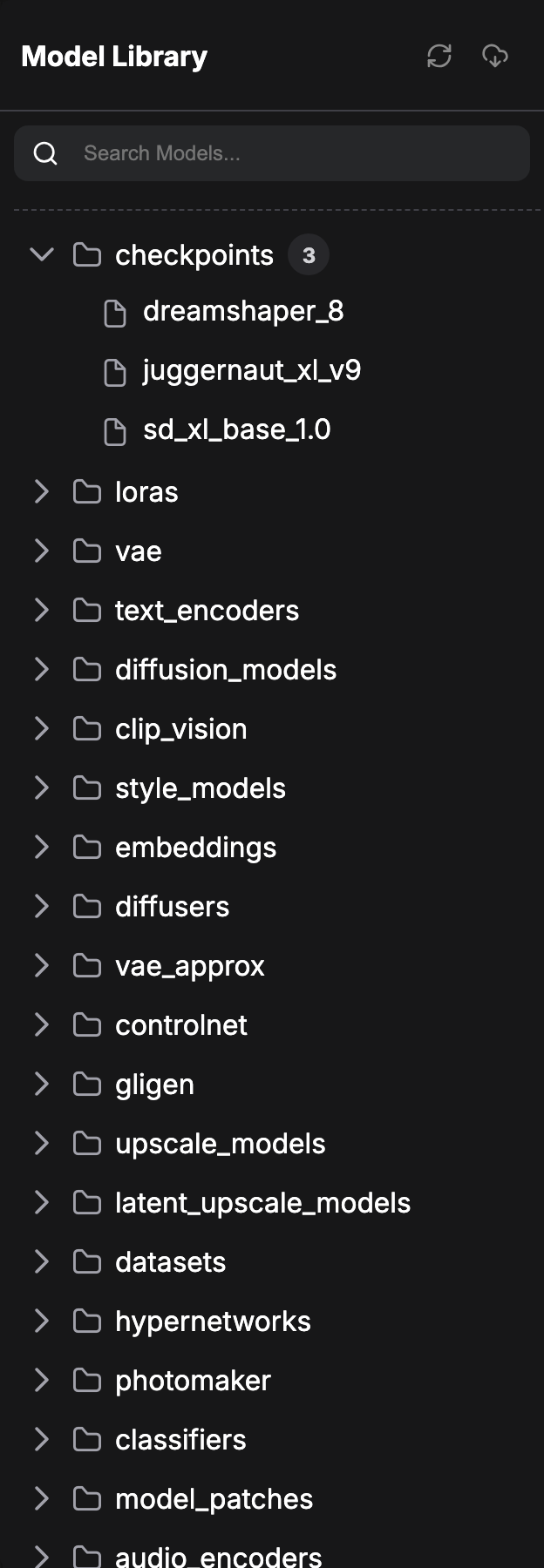
ComfyUI Model Library, cropped to the top folders. The listed checkpoint examples are not a list of video models.
Screenshot: Comfy Org documentation contributors. Official guide · GPL-3.0 · Screenshot · Retrieved 2026-11-02.
- A checkpoint is only one part of a workflow.
- Use the encoder and VAE named in its official instructions.
- Keep the working model version and graph together.
If a model is missing, check the folder and file name before changing the prompt. The official Model Library guide explains the workspace shown above.
The current Genmo repository has updated installation guidance and states what its dependency/security refresh tested. Don’t assume an older model-card snippet is interchangeable with those instructions; GPU inference still needs checking on your setup.
When a run fails, save the error and configuration. Reducing frames or resolution can help diagnose a problem, but use values the model supports. Once it works, record peak GPU memory, elapsed time, failed attempts, and the part of the output you can actually use.
A free download still has running costs
Keep hardware ownership, electricity, storage, paid services, maintenance, and your time separate. Failed attempts count too.
Project cost = allocated compute + electricity + paid assets/services + labor.
Cost per usable minute = project cost ÷ retained video minutes.
For an illustrative electricity example: 0.3kW × 1.5 hours × $0.20/kWh = $0.09. Those inputs are assumptions, not a measured run or a current tariff. The result excludes hardware, labor, and other charges. Use wall-power measurements and your own bill for a real estimate.
Compare the same finished result when choosing local or hosted generation. A setup that takes days to fix may not suit a one-off deadline. The cost-per-minute guide explains why plenty of generated footage can still leave you with little usable video.
Before you call it offline
Check the full workflow. A local interface can still use a cloud node, prompt service, media provider, or update check. Downloading weights isn’t proof that no data will leave your machine.
Start with a small video prompt. For several shots, plan the longer edit before scaling up. The Genmo tool page gives more context, but hosted access and local Mochi weights remain separate choices.
Quick questions
Can I run these without a GPU?
Don’t assume a practical CPU-only workflow. Hosted demos and rented GPUs change the hardware and billing arrangement. This guide doesn’t verify free hosting availability or CPU speed.
Does an older model belong on the list?
It can, if its documented inputs, license, and setup fit the task. This short list isn’t a claim to cover every new release.
Sources and method notes
Sources checked November 2, 2026. Media credits and licenses appear with each item.